Wants
Wants are flexible, discretionary spending — dining out, entertainment, shopping, subscriptions, and travel.
Keeping Wants in budget is usually the fastest way to free Savings. Same screen as Needs (classification-detail?type=want), with the Wants accent. Home is the right mini. Set during sign-up.
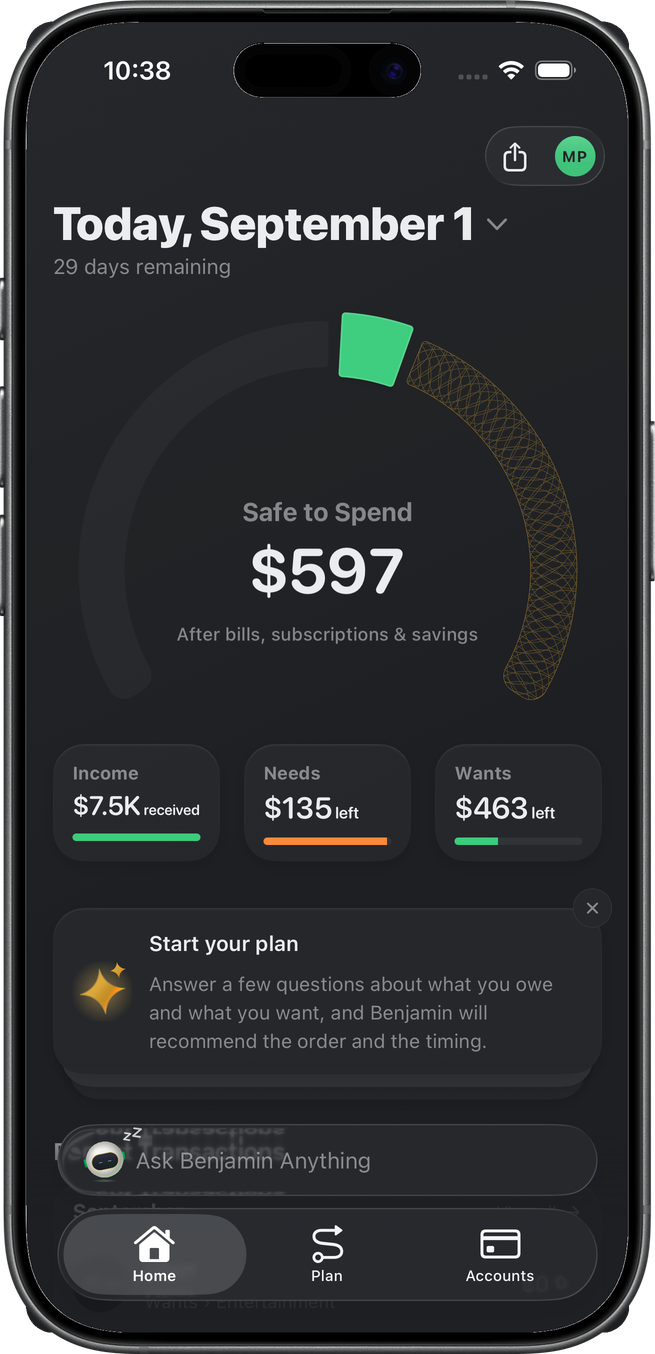
On Home
The Wants mini shows left (or over) against the monthly Wants budget.
Wants detail
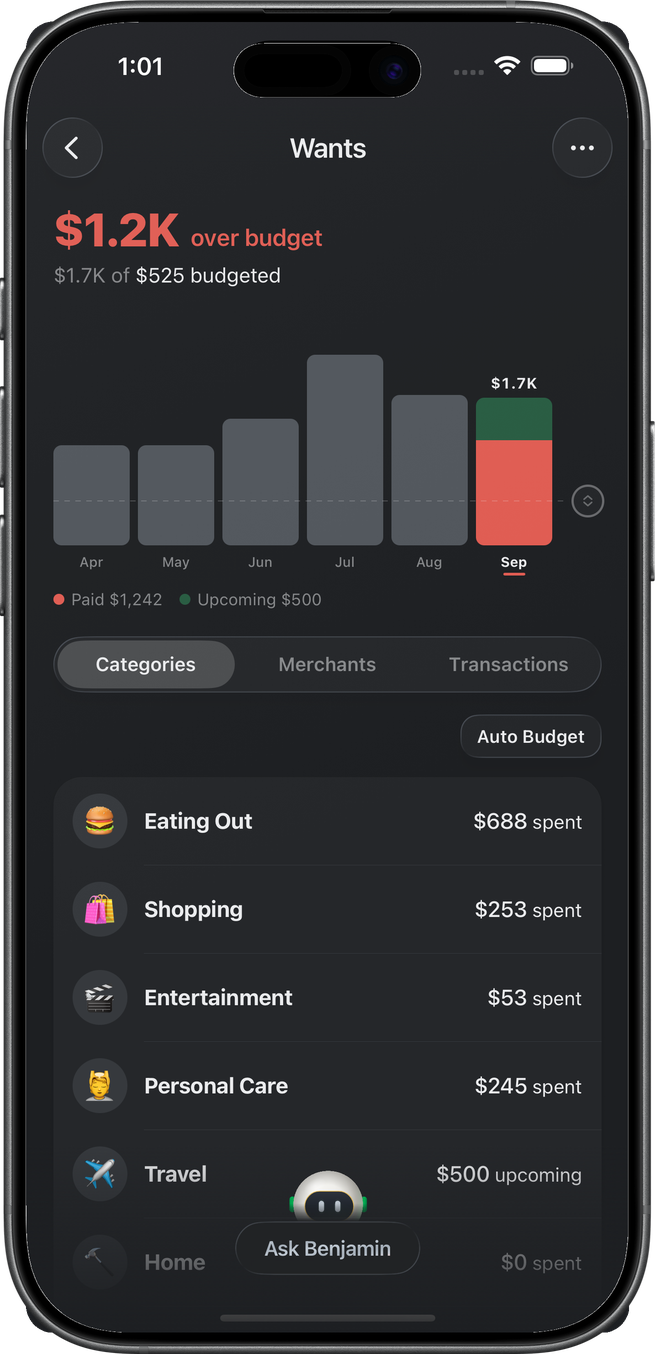
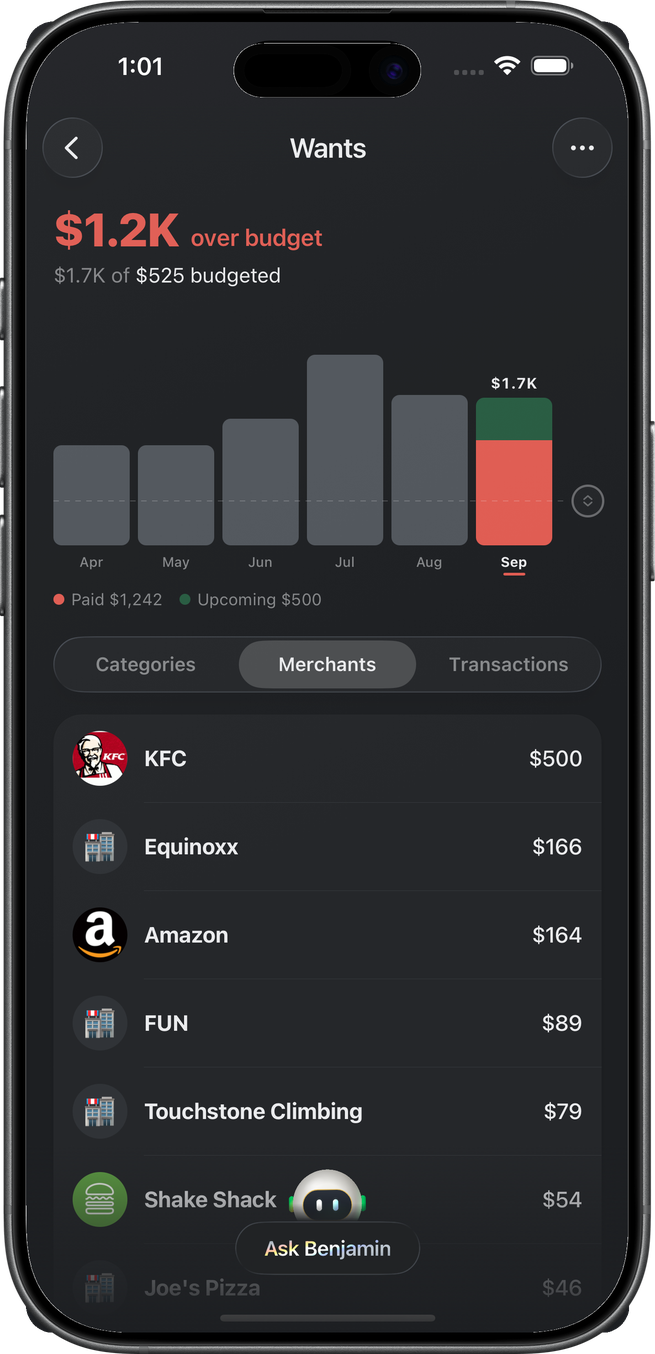
Tapping the mini opens the Wants page: what's left (or over) in the budget with a "$X of $Y October's budget" line under it (named for the month you're viewing; tap it to edit the amount), and a six-month spending chart with a draggable allocation line — drag to resize the Wants budget, release to save. The current month's bar splits paid (solid) from upcoming (tinted); tapping a past month's bar switches the whole page to that month.
Categories, Merchants, and Transactions
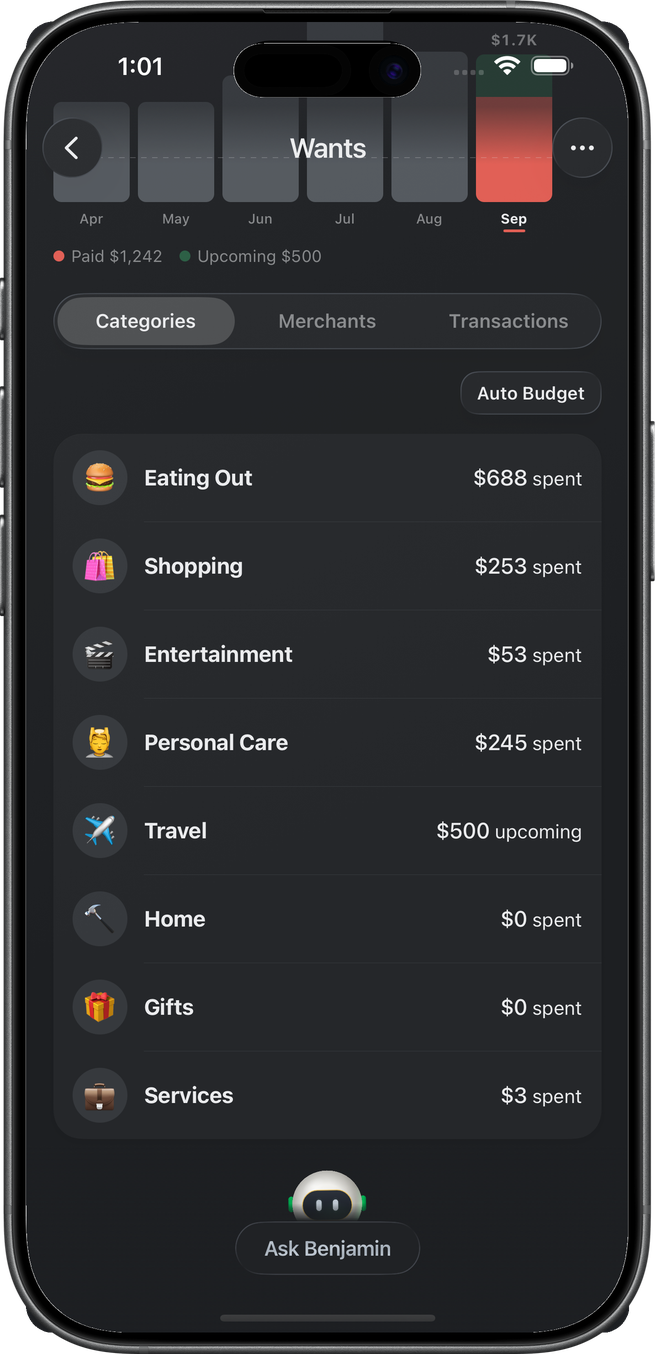
The segmented control under the chart browses the month by Categories (groups such as Eating Out, Shopping, and Entertainment as rows in one card, budgeted groups first and unbudgeted groups below in their default order — Auto Budget Categories in the header's ellipsis menu fills $0 groups from what's left in the Wants allocation, behind a native confirmation), Merchants (the month aggregated by merchant, left/over against any merchant budget — a budgeted merchant appears at "$X left" even before its first charge of the month), or Transactions (the flat list; a swipe flips a row to Needs).
Group detail
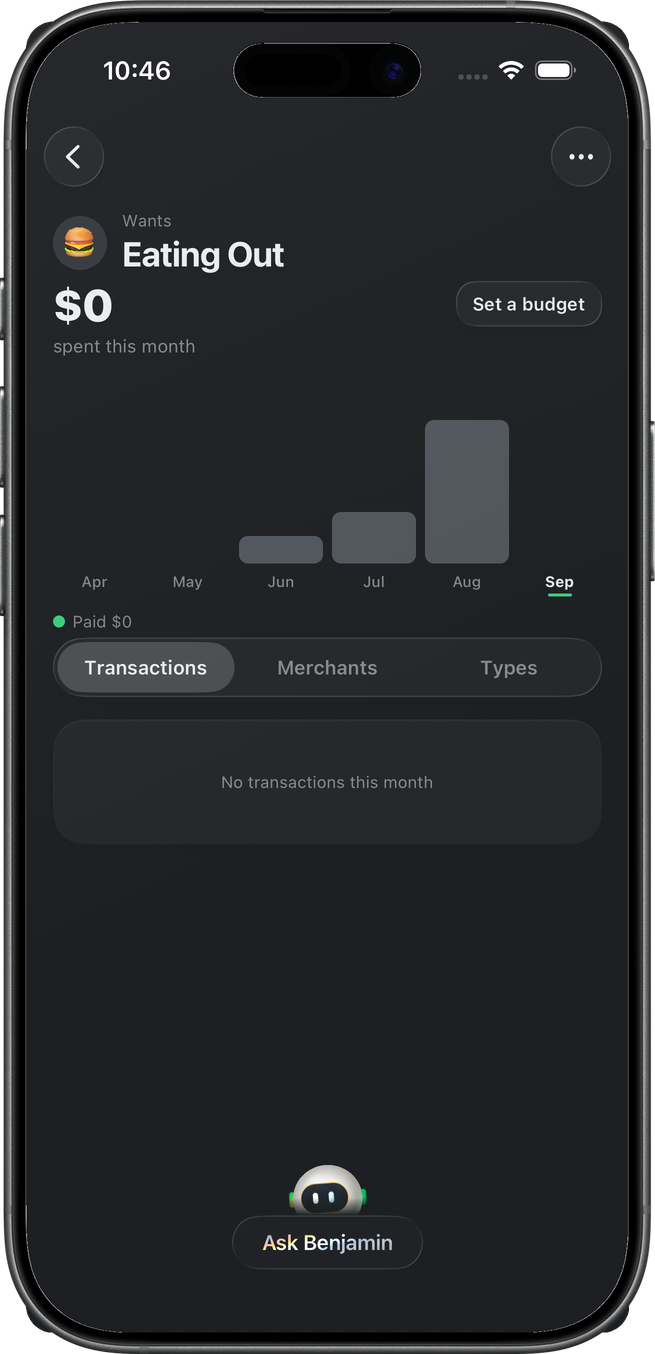
Eating Out here is a Want group with a six-month trend and no transactions this month yet — the empty list is real, not a missing feature.