Benjamin
Benjamin is the assistant. Chat is the surface — type or talk.
He does not replace Home Safe to Spend or Accounts net worth — those stay on their tabs. Home already mentions the accessory; this page is the walk. ChatPane (chat-modal on iOS) composes ChatScreen.
A few leftover Finn strings still exist (first-open consent, Help “Ask Finn AI”). They are not this walk.
Open from tabs
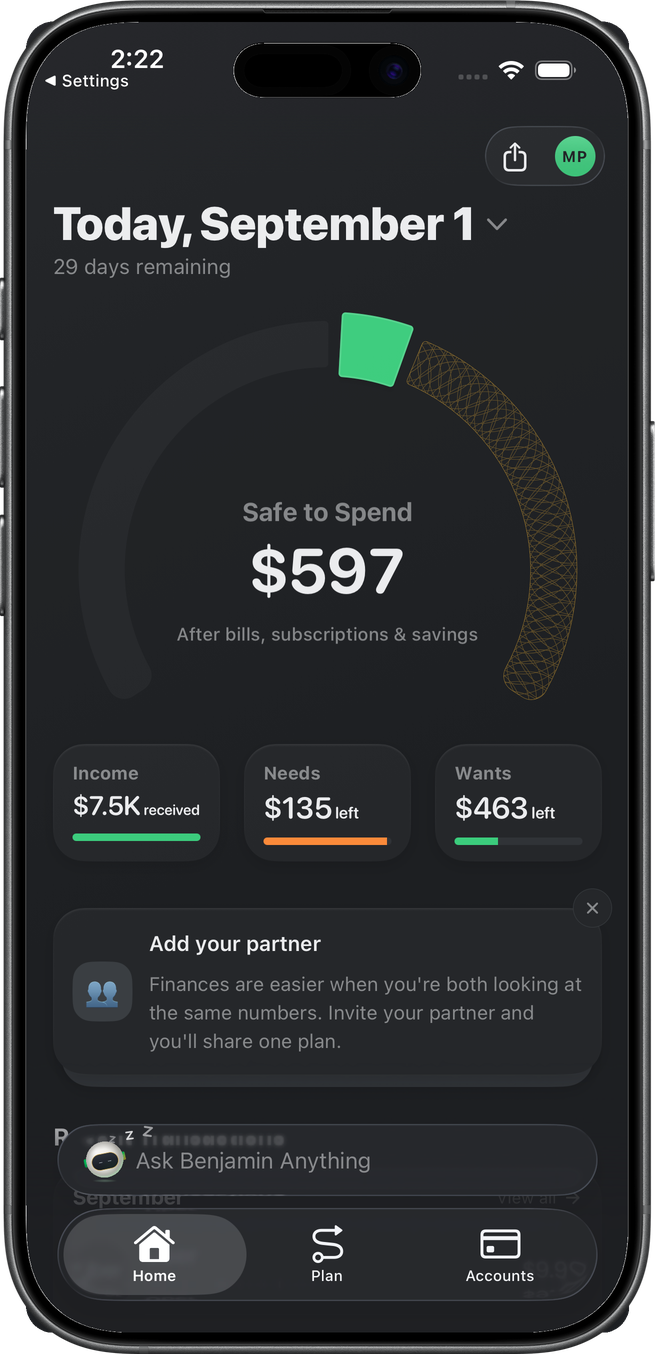
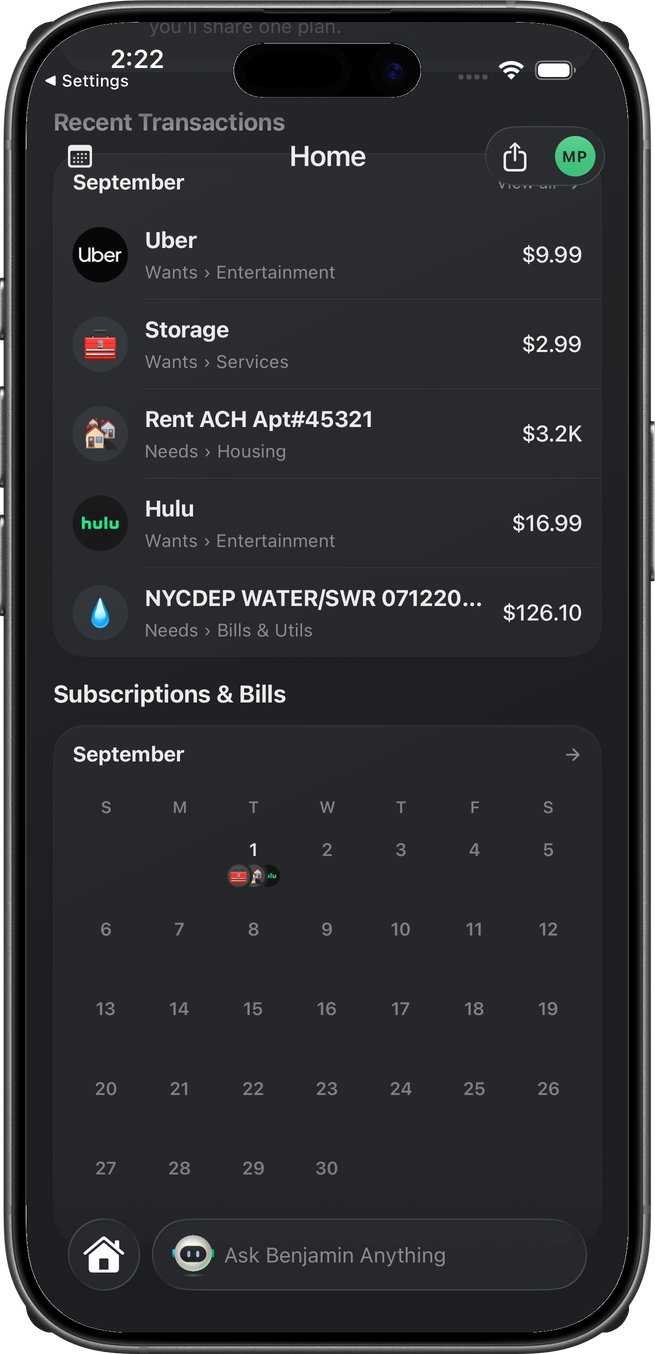
On iOS, Ask Benjamin Anything sits in the tab-bar accessory on Home, Plan, and Accounts. Tap it to slide chat up as a card. Scroll minimizes the tab bar; the pill stays next to the collapsed Home circle.
Android has no accessory slot — the same pane is a Chat tab (not captured).
If Plan is not started, the accessory can say Start your plan instead. That opens plan setup, not chat. Open Benjamin from Home or Accounts.
Open from drill-ins
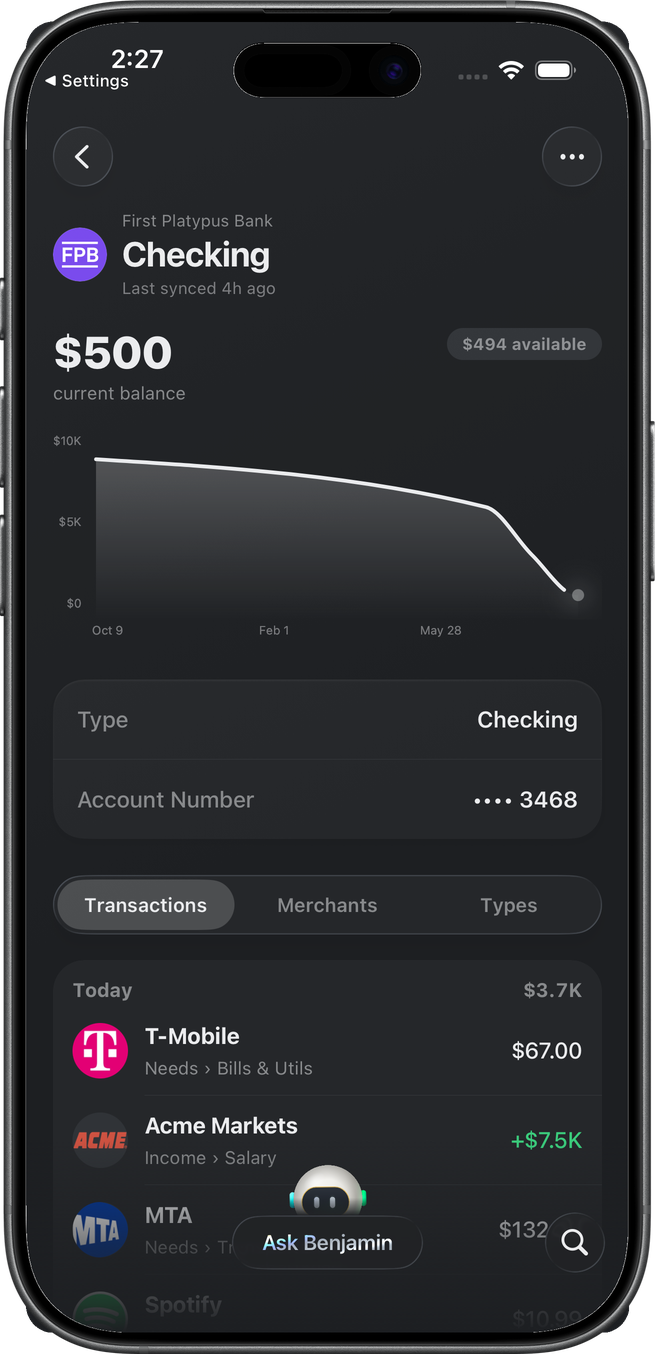
Pushed screens (account detail, transactions, goals, and the rest that mount AskBenjaminDock) show a smaller Ask Benjamin pill. The magnifying glass on that dock is page search — merchants, transactions — not chat search.
Conversation
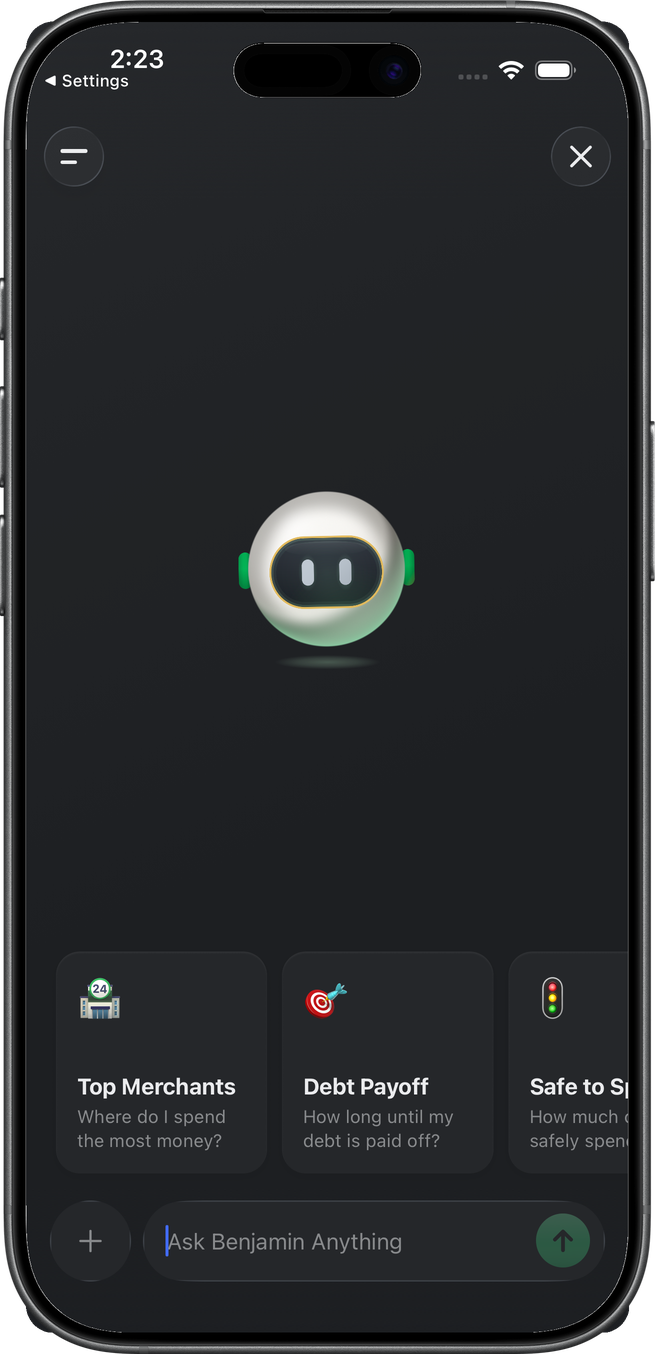
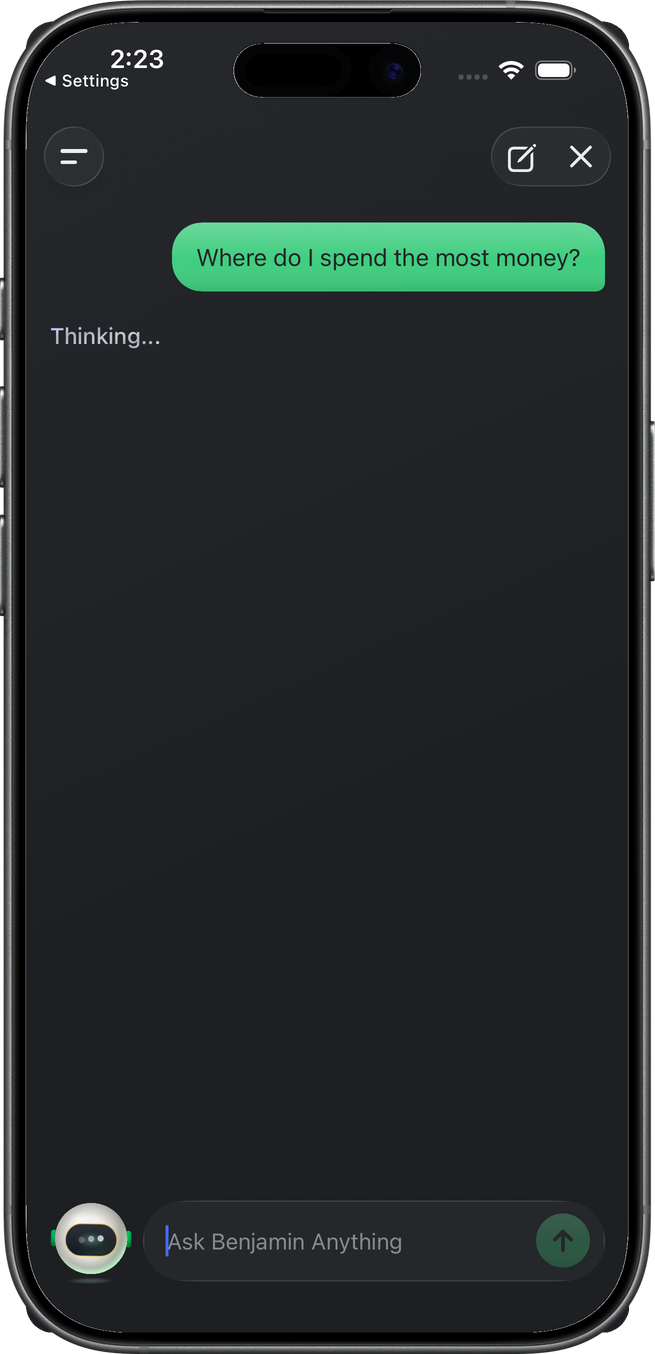
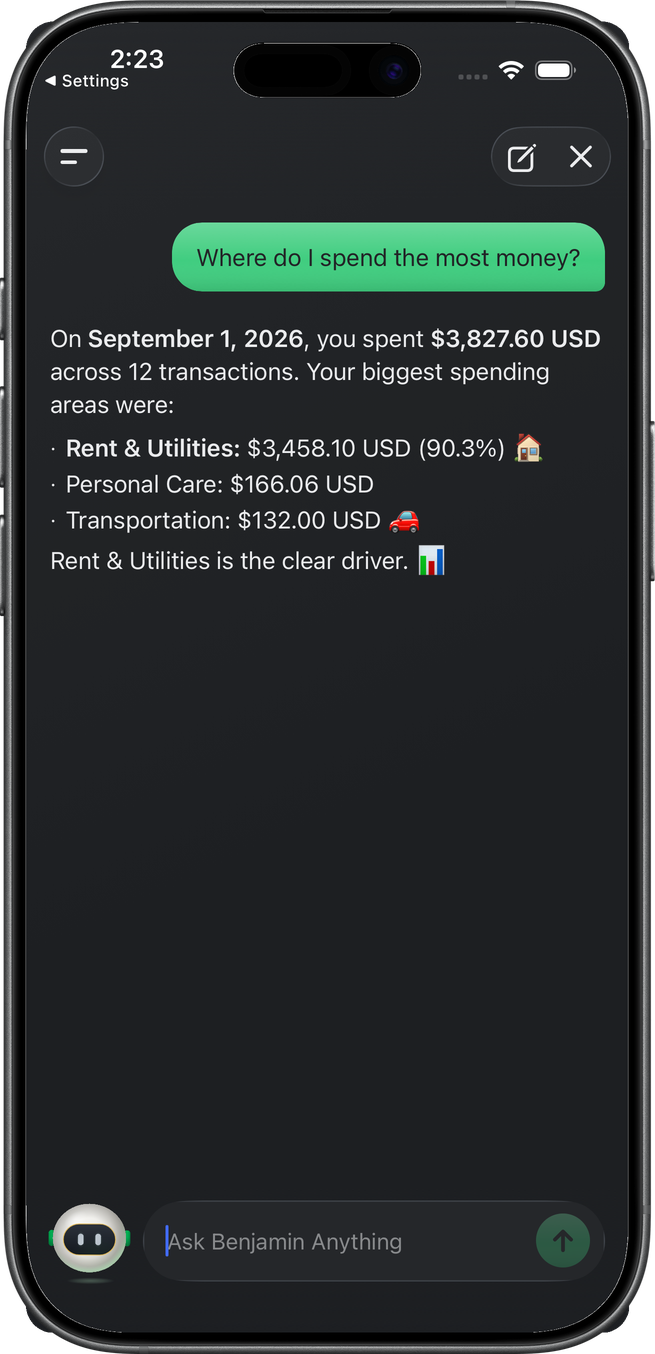
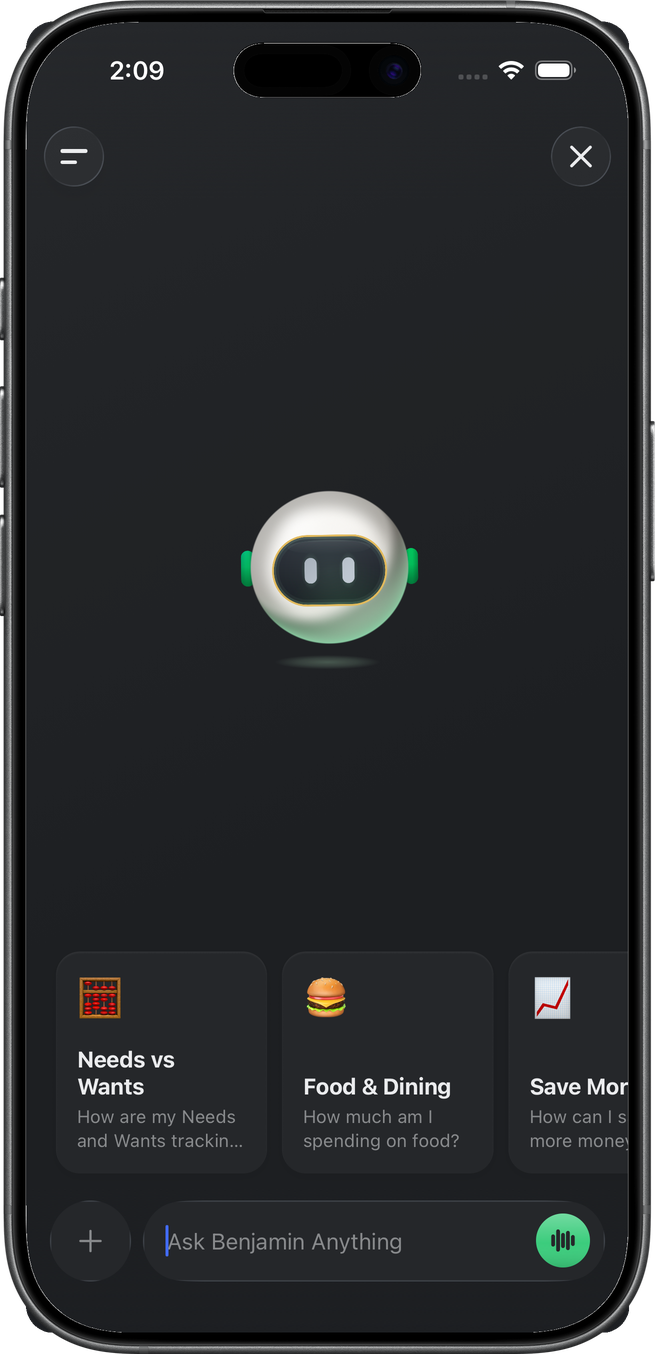
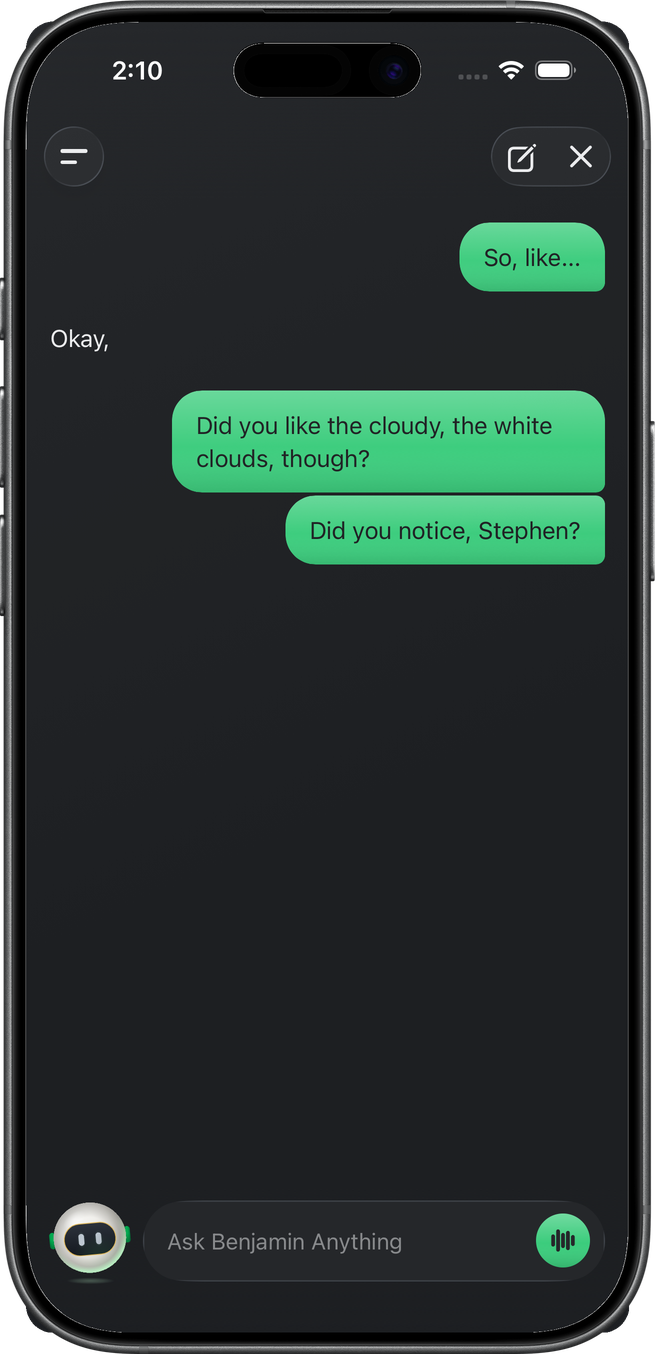
A new chat shows Benjamin, five prompt cards, and the composer (Ask Benjamin Anything, attach +). An empty composer ends in a green waveform (Talk to Benjamin). Typing a message swaps that for send. This thread started from Top Merchants — “Where do I spend the most money?”
Send shows the user bubble, then Thinking…. Tokens stream into the reply; the finished message is markdown (bold amounts, lists).
Voice
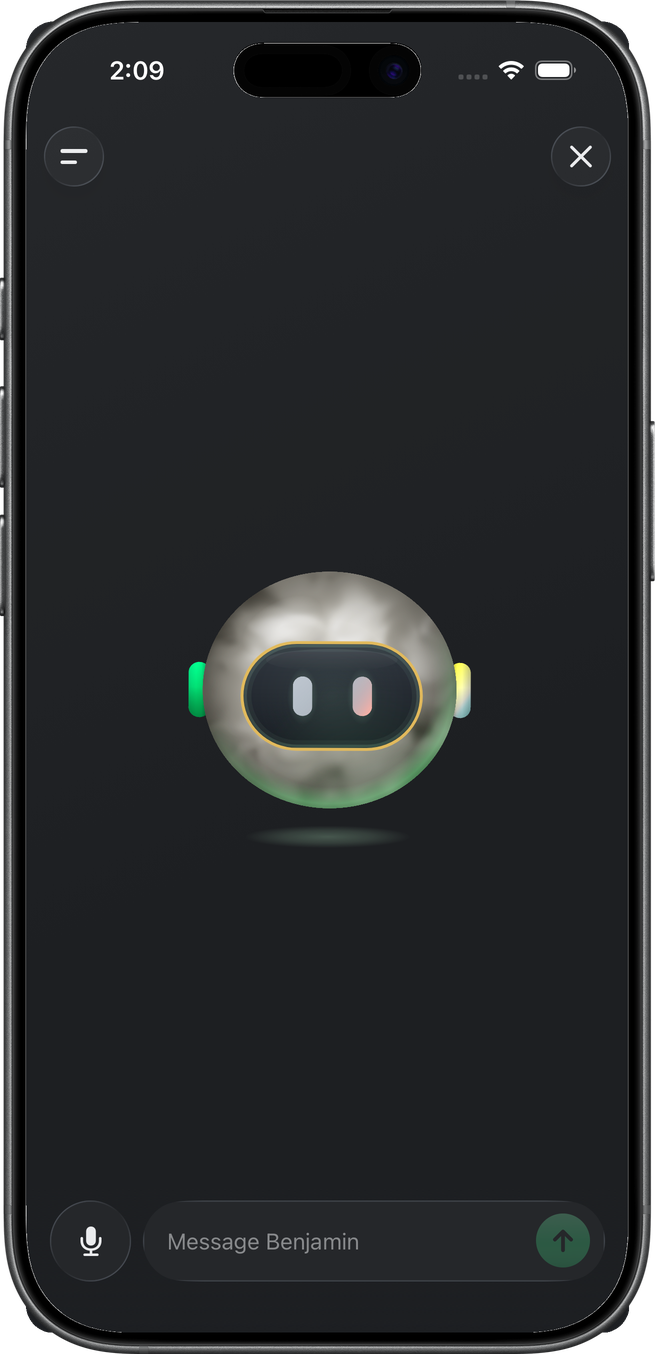
Empty composer — tap the waveform. Benjamin flies from the chat hero into the center of the same pane. Same background. This is a state of chat, not a new screen.
Speak naturally. Benjamin answers out loud. The overlay is otherwise wordless, like a phone call. A shimmer line under him appears only for tool work (Checking your budgets…) or an error.
The composer stays above the overlay. The placeholder becomes Message Benjamin. Type mid-call and he answers aloud. Mute takes the attach + slot (red wash when muted). The mic also auto-silences while he speaks.
Tap Benjamin while he is speaking to interrupt. X or Android back ends the call immediately. History (header-left) closes voice first, then opens the drawer.
He uses the same tools as text — budgets, safe-to-spend, transactions, and the rest. He will not draw charts, take a receipt, or speak a URL. End voice and use the thread for those.
Turns land in this thread as normal bubbles while you talk. Hang up and the back-and-forth is already there. iOS asks for the microphone: Wellthplan uses the microphone so you can talk to Benjamin in voice chat.
Reply cards
Replies can attach a chart, an account-analysis snapshot, a link-account card (empty Plaid space), or a billing/action link. This send returned markdown only — those cards are named, not captured.
History and search
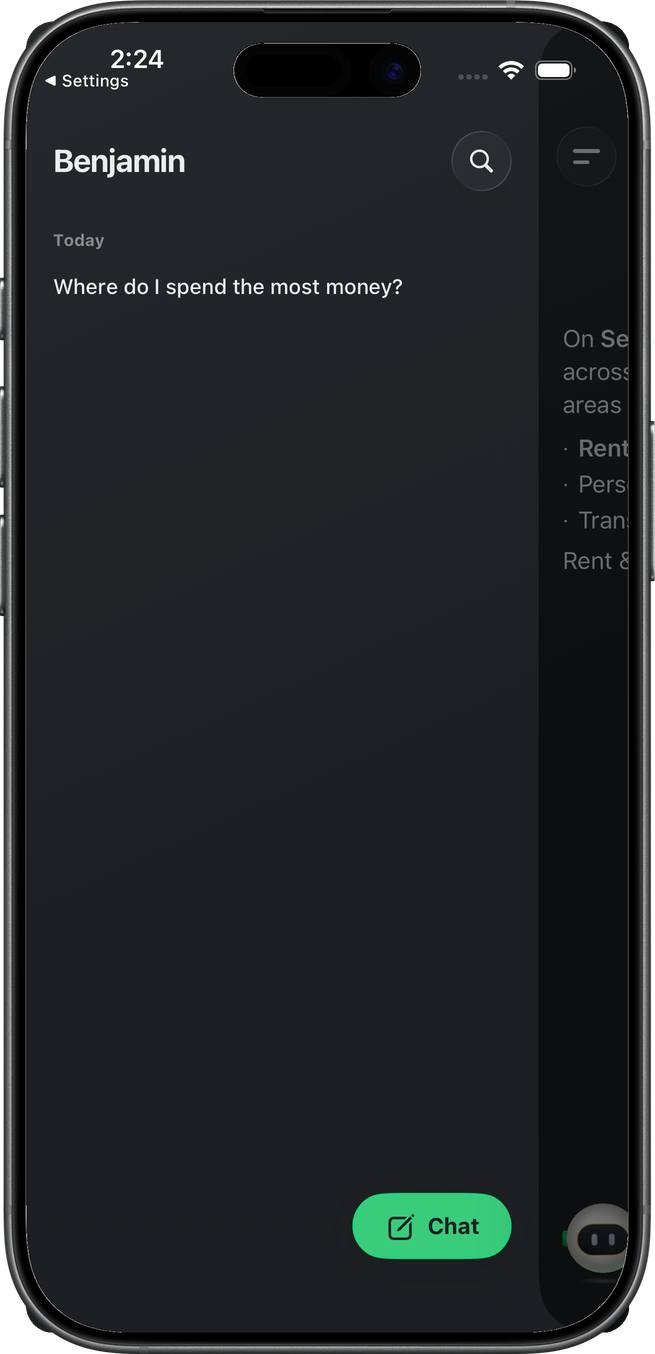
Header-left opens the history drawer: title Benjamin, day-grouped threads, search, and a Chat FAB for a new conversation.
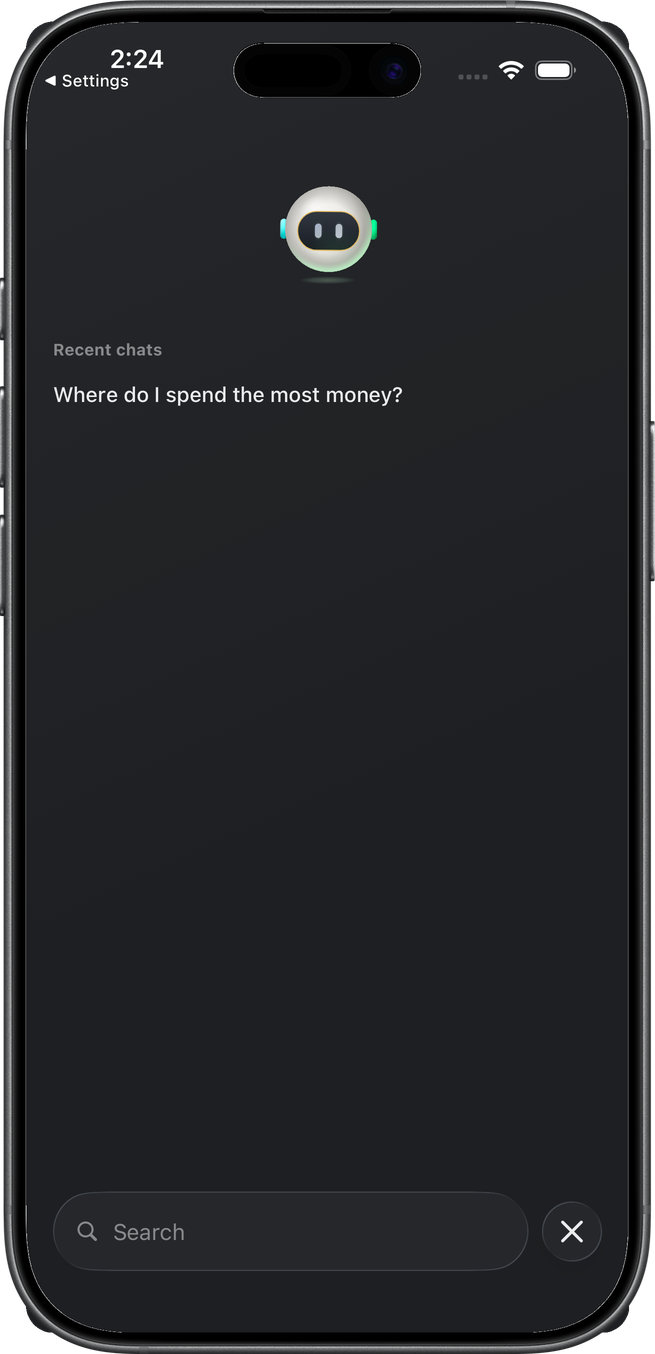
Search is a full-screen overlay across thread titles and message bodies. Before a query it shows Benjamin and recent chats.
Related
- Home — accessory on the tab
- Accounts — dock on account detail
- Transactions — dock on the shared page