Debt Review
A payoff order for high-interest debt, or a clean exit when there isn’t any.
Tap Debt Review on the Plan tab. DebtReviewWizard. This account had no linked bad debts — the walk below is that path.
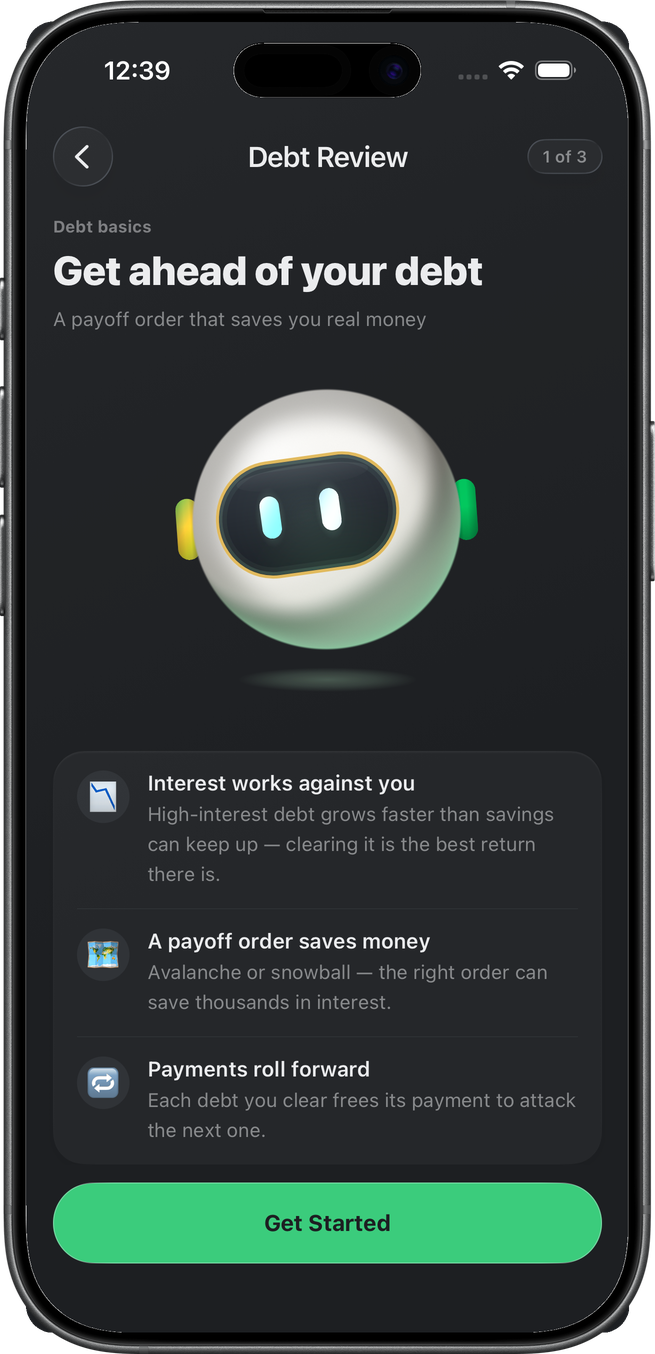
Intro
Benjamin and the three moves: interest, payoff order, payments that roll forward. Get Started.
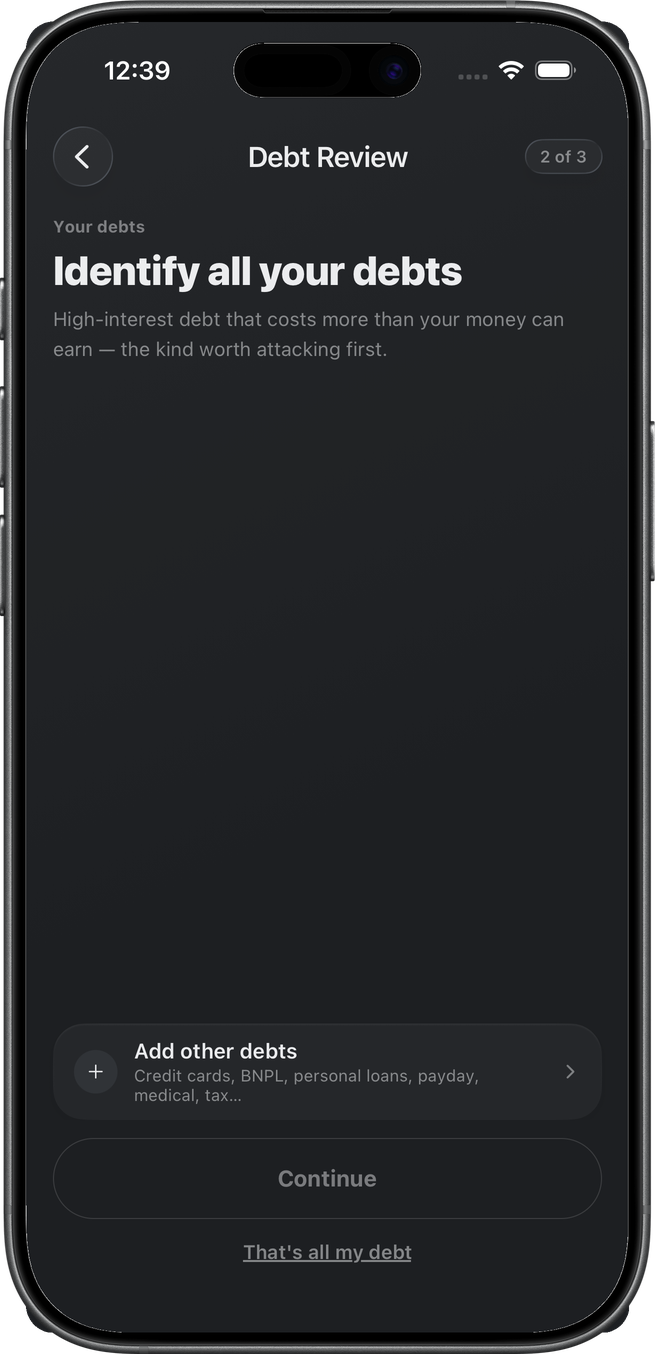
Select debts
Identify all your debts. Linked high-interest rows would appear selected here. This account’s list is empty. Add other debts opens a manual / link path (not this walk). That’s all my debt is the empty-list exit.
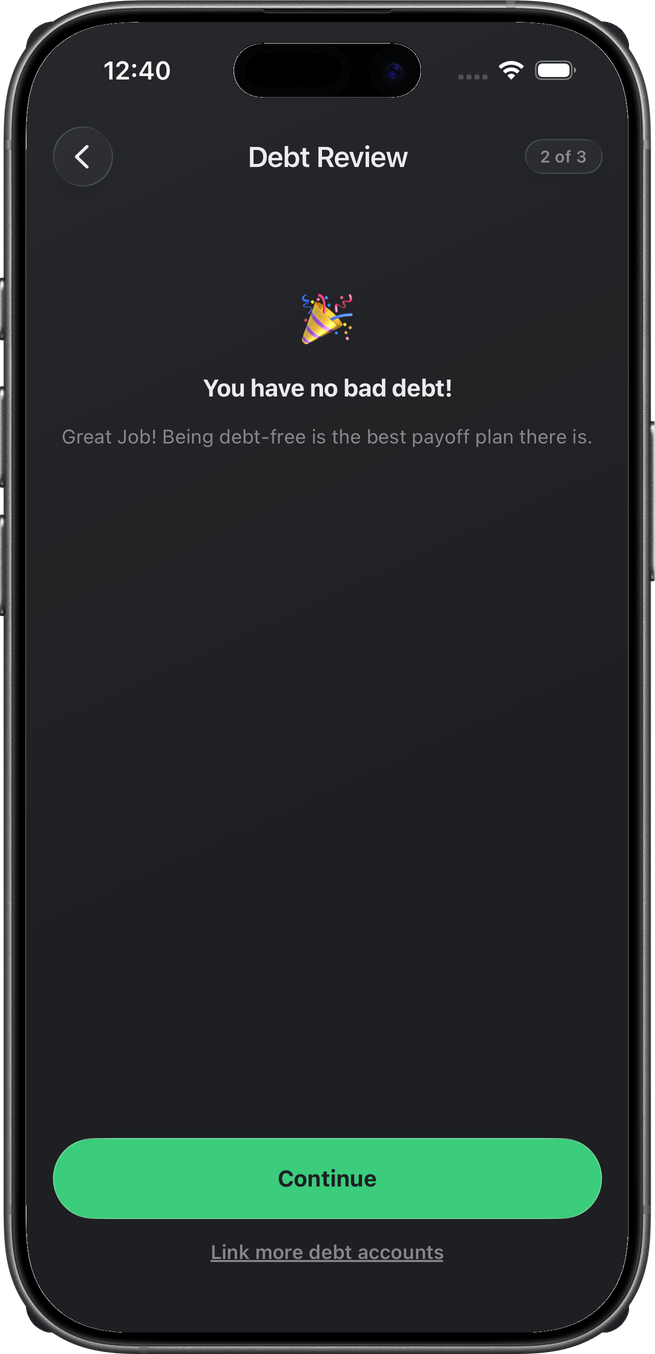
No bad debt
You have no bad debt! Continue records the starter not_applicable and returns to the Plan tab. The card leaves the queue. Link more debt accounts goes back to select.
When debts are selected
Not shown on this account. After select: a details step only if APR or payment gaps need filling, then extra payment (unallocated savings toward the priority debt), then a summary. Final CTA is Add N goal(s) to plan — one debt goal per confirmed debt, avalanche or snowball order. That write is POST …/debt-review.
Related
- Trim Spending
- Emergency Fund
- Life Insurance
- Will & Trust
- Retirement
- Plan — Build Your Plan lined this up
- Savings — extra payment comes from this pool