Income
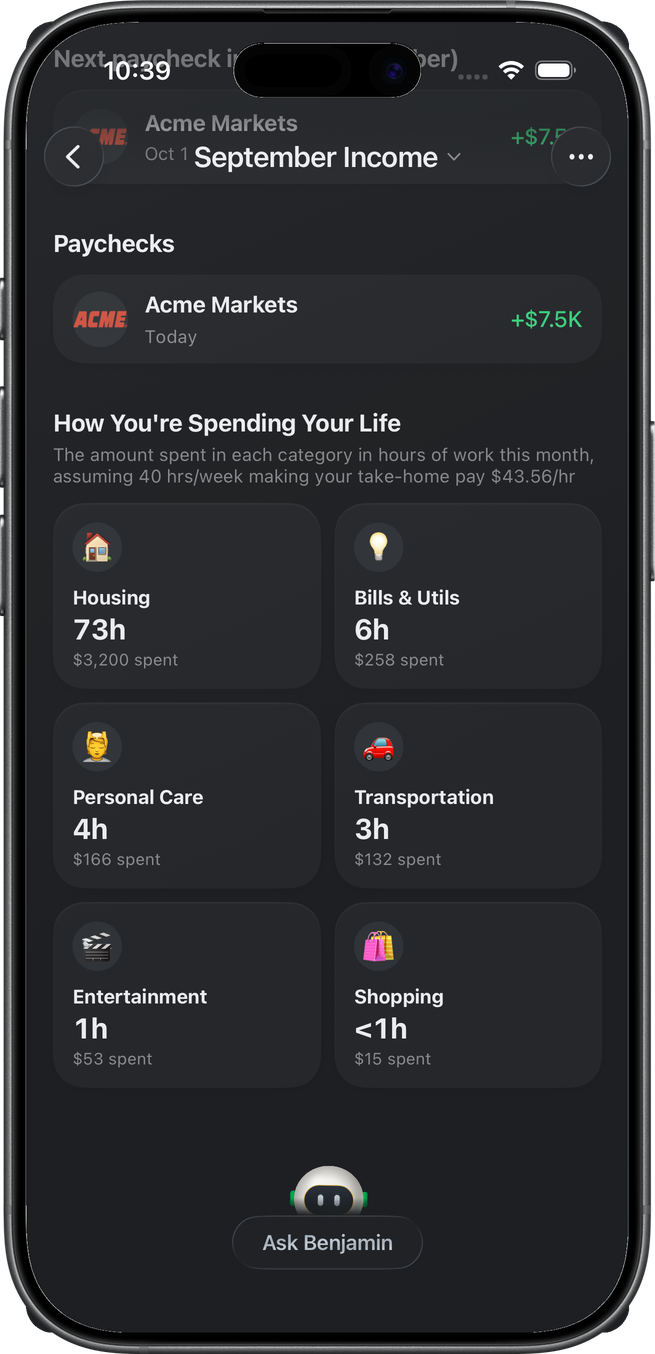
Income is what usually lands in the accounts each month — the number everything else is sized from.
On Home it is the left mini gauge. Tapping it opens September Income (always the current month first). Needs, Wants, and Savings are all fractions of this number. Confirmed during sign-up; editable any time from this page.
On Home
The Income mini shows how much has been received so far against expected. The bar fills as paychecks post.
Income detail
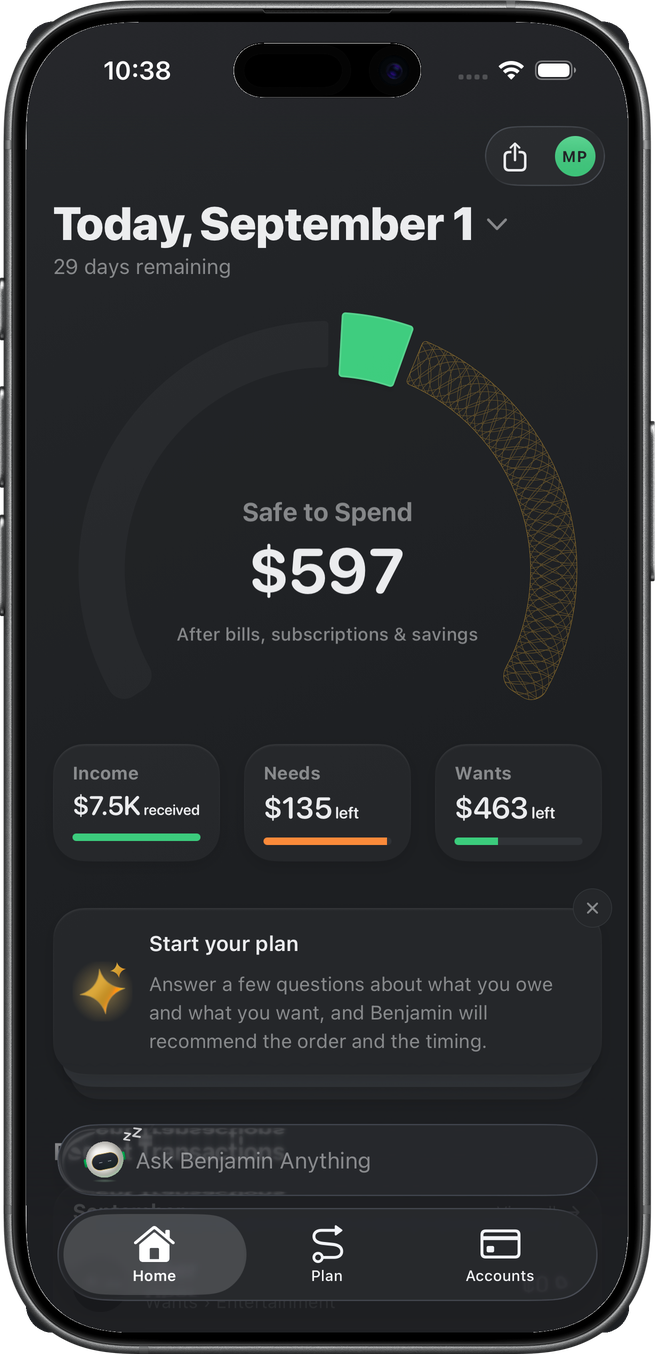
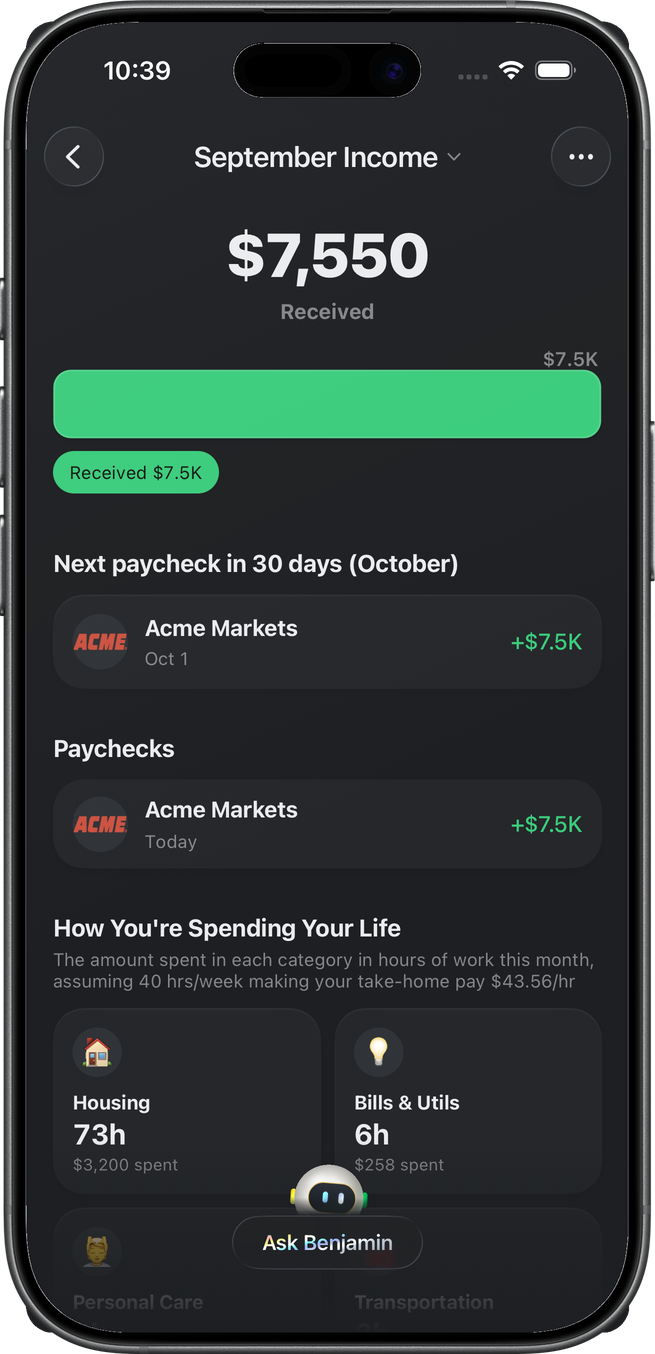
The hero reads Received so far: the received total with the expected figure inline (“$7,550 of $7,634”), then one bar — solid green for what has landed, a faded green tail for what is still coming — and a two-item legend (“Received $7,550” / “Still coming $84”). Past months read “Received” and label any gap “Short”; landing more than expected shows “Extra”. Overflow (···) opens Edit Expected Income and Edit Working Hours.
Next paycheck and this month
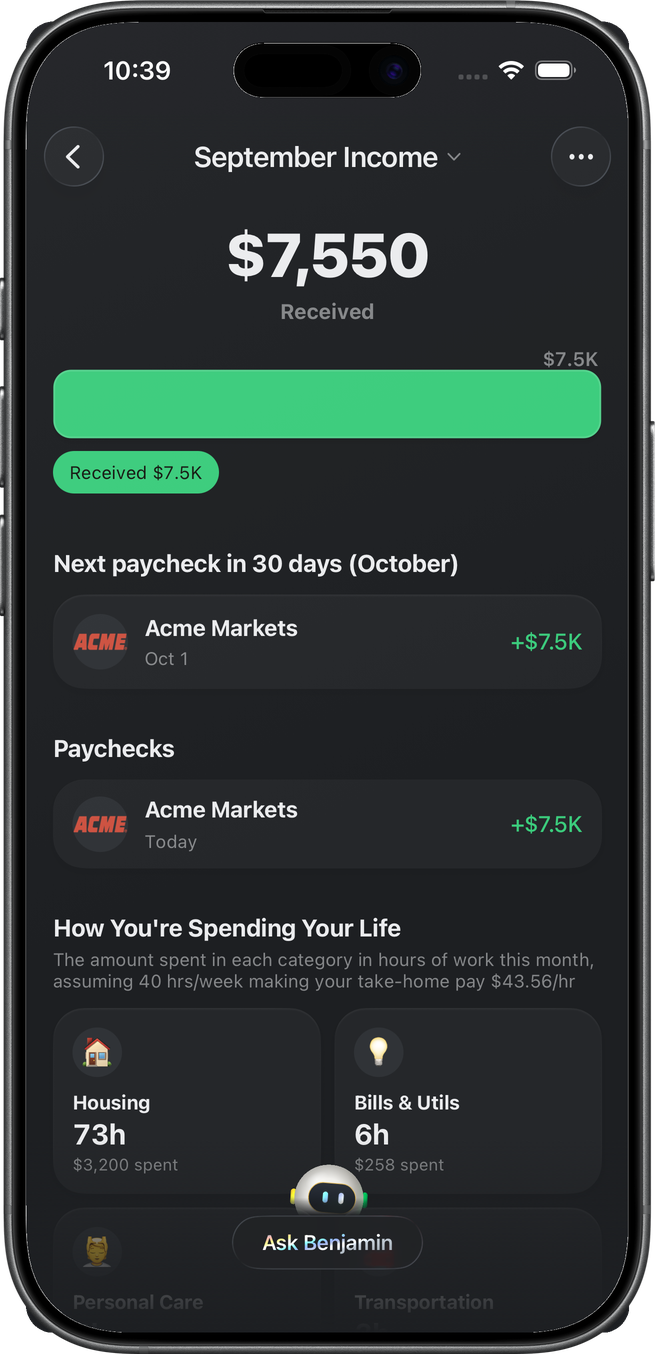
Next paycheck is a card that leads with the date (“Sun, Nov 1”) and a countdown pill (“in 24 days”), with the pattern underneath — merchant, how often it pays, and the amount. A late deposit flips the card to Missed deposit with a red “N days late” pill. Tapping opens the recurring pattern.
This month is one list of every credit in the viewed month, newest first: deposits that posted (“Received Oct 1”, green amount) alongside recurring income still expected (“Expected Oct 31”, muted amount). Received rows open the transaction; expected rows open their pattern. Past months title the list by name (“September”).
Hours of work spent
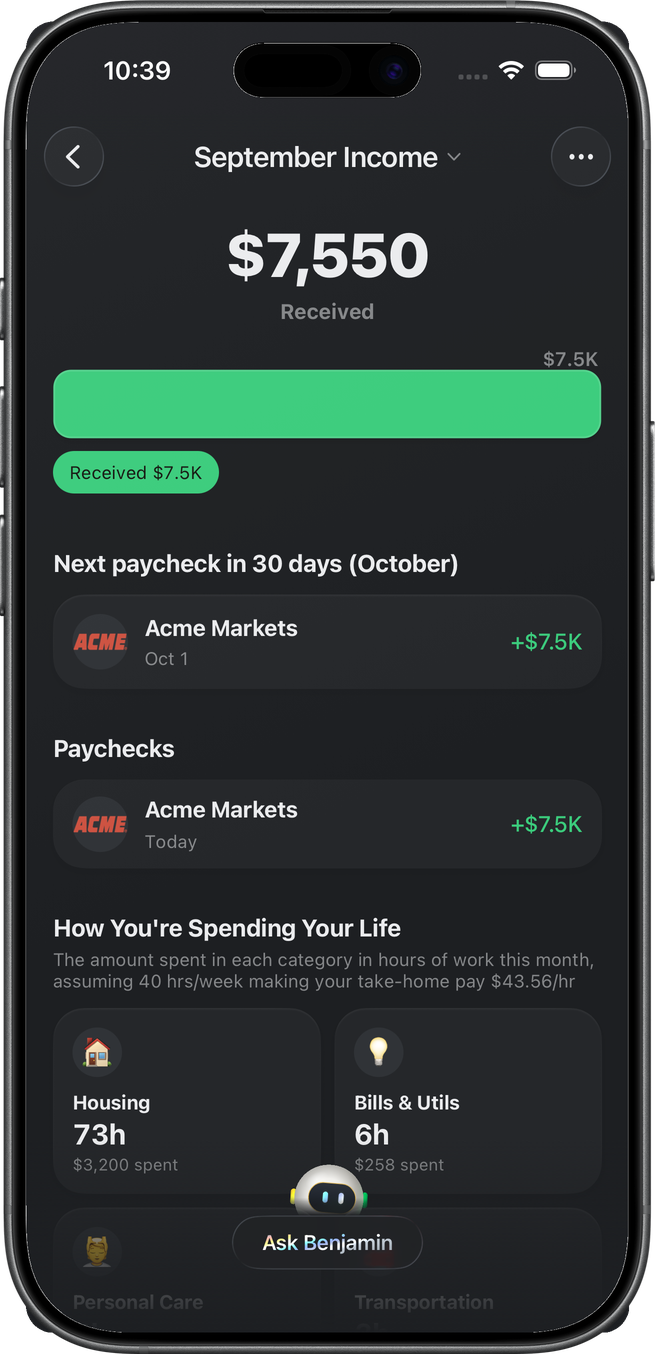
Hours of work spent ranks each category’s posted spend as hours of work at take-home hourly, named in the header (“at $44.04/hr” — expected income ÷ weekly work hours). Each row is the category emoji, name, a bar relative to the costliest category, and the hours with the dollars beneath — Housing at $3,200 is 73 hours. Work hours are edited from the overflow menu.