Savings
Savings is the income left over after Needs and Wants budgets — the money that powers goals.
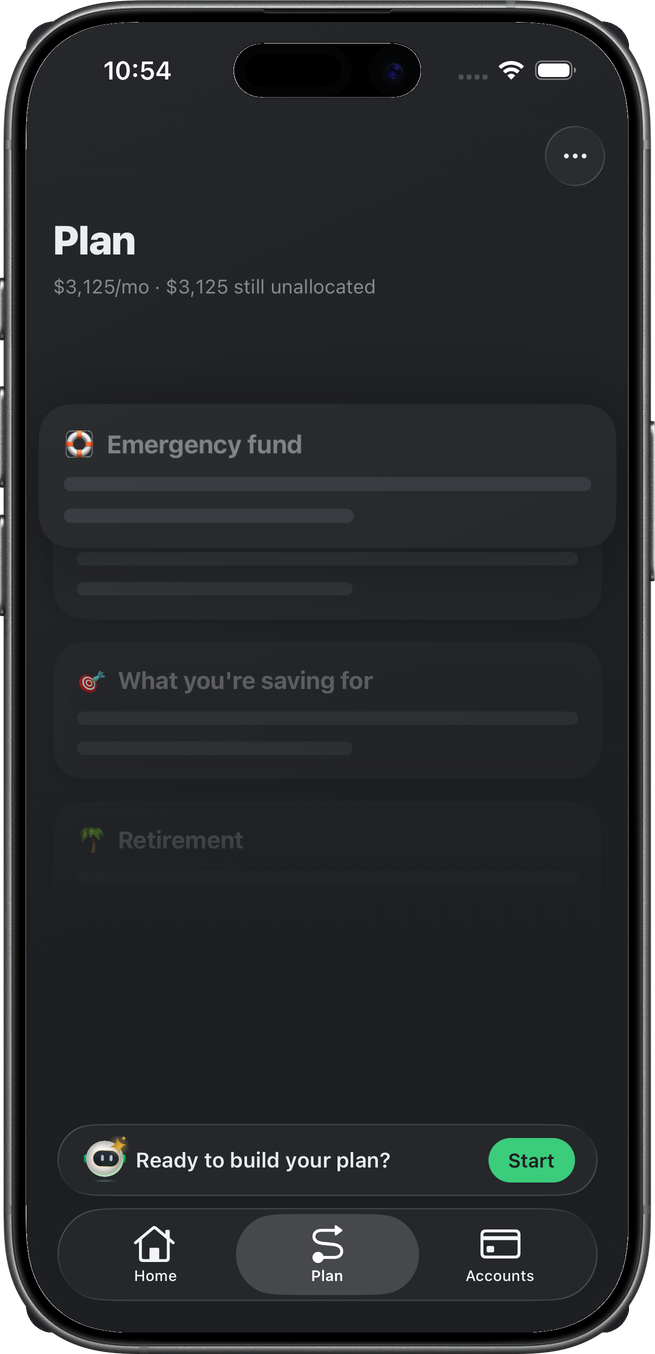
Staying under budget grows it; overspending on either classification eats it. Engineering calls this remainder wellth (nowSummary.wellth). The live UI says Savings. There is no Home mini for it: the gold lattice on the Home dial is the readout, and the Plan tab is where you allocate it. A wellth-detail route exists but is not wired from the Home minis.
On Home
The dial’s gold ring is Savings. Safe to Spend is what’s left after bills, subscriptions, and this ring.
Plan tab
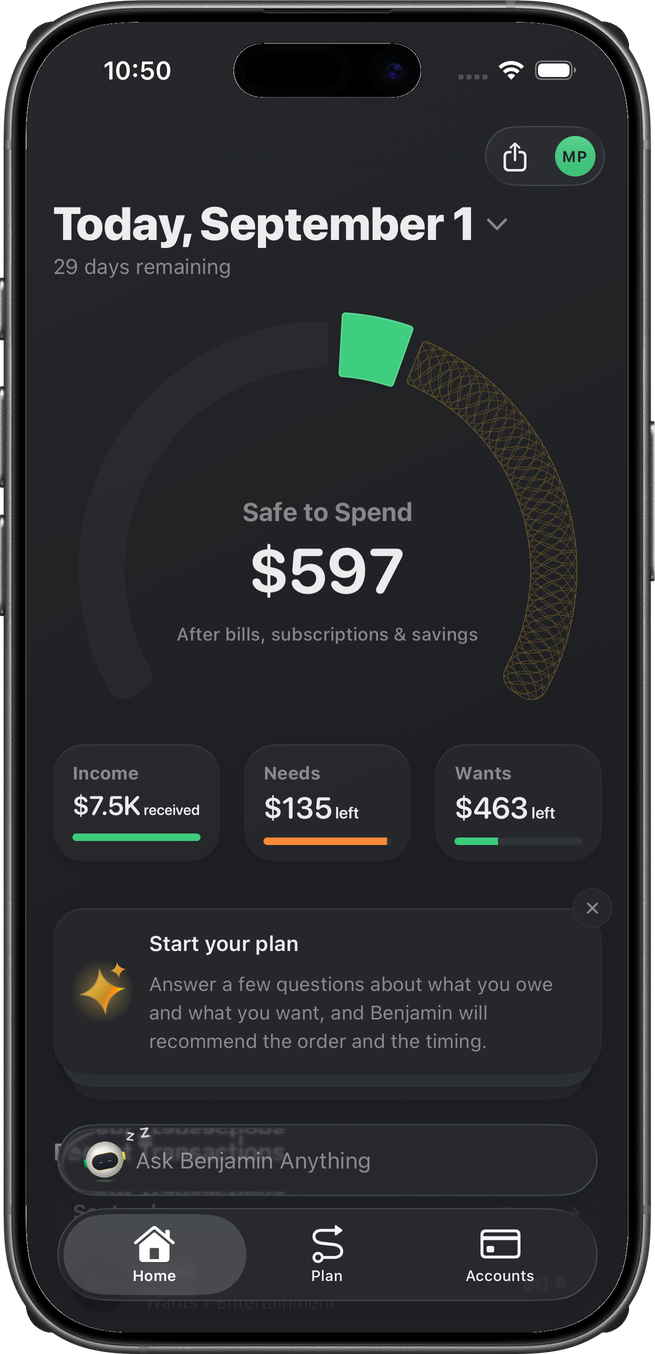
The Plan tab header shows the monthly savings pool and how much is still unallocated. Goal cards (Emergency fund, What you’re saving for, Retirement) sit below. Start opens Build Your Plan when nothing is allocated yet.
Allocation
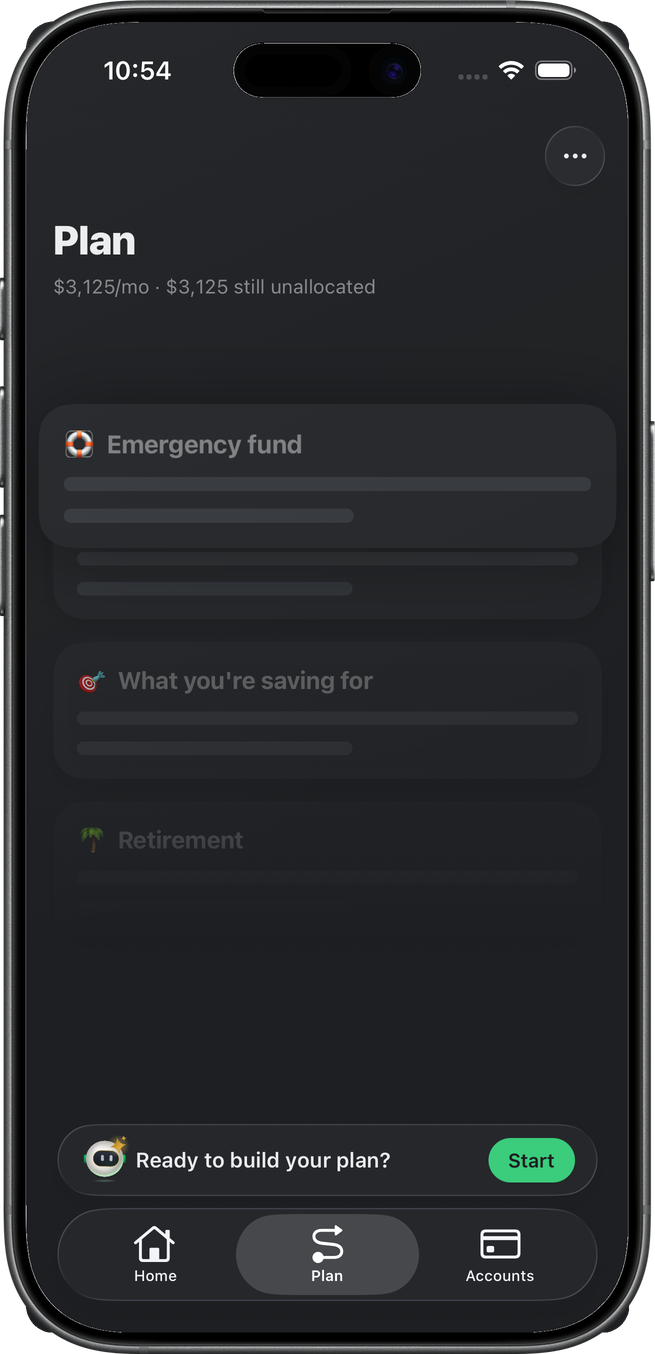
The same pool is the bar you split across goals. Unallocated savings is not missing — it is the default until a goal takes a monthly slice. Overspend on Needs or Wants shows up here as lost to spending when that month is over.
An allocation is optional when creating a goal: a money goal can be added with no monthly slice (it parks in the Plan tab's Later group until it gets one), and with $0 available the allocation field is disabled with an explainer rather than blocking the goal. The one hard rule is the cap — you can never allocate more than the pool has unallocated.